1、首先打开电脑,找到Word软件 如图

2、点击word软件,打开Word文档 如图
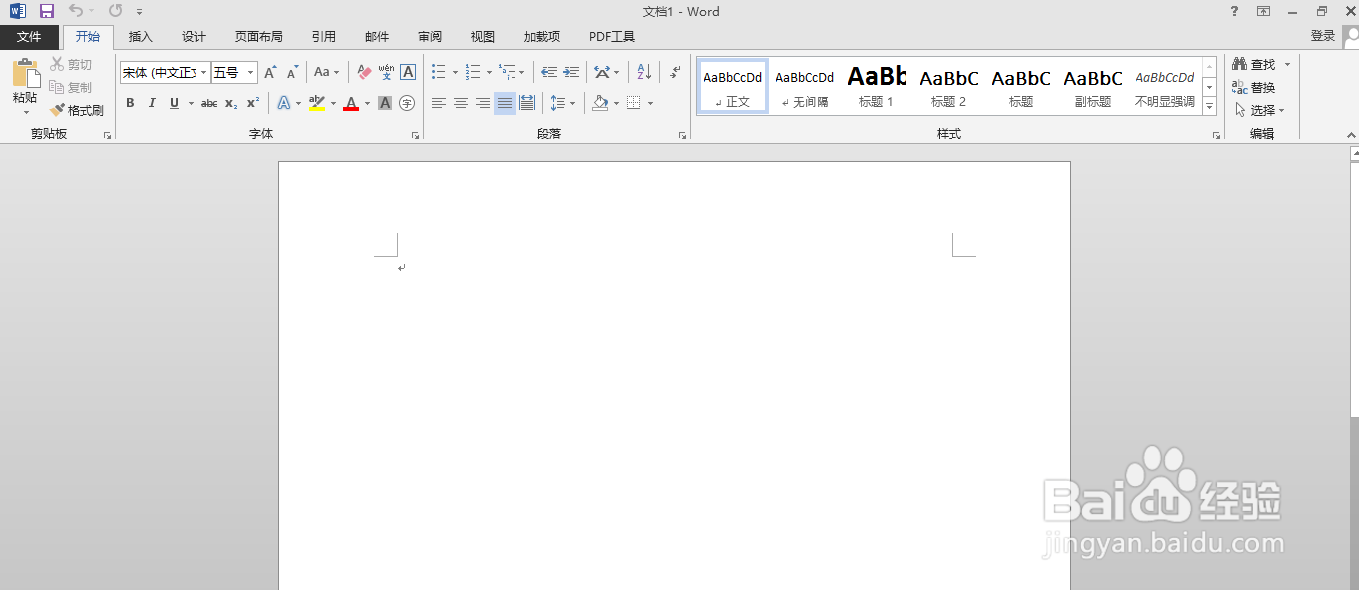
3、把光标调整所需位置 如图
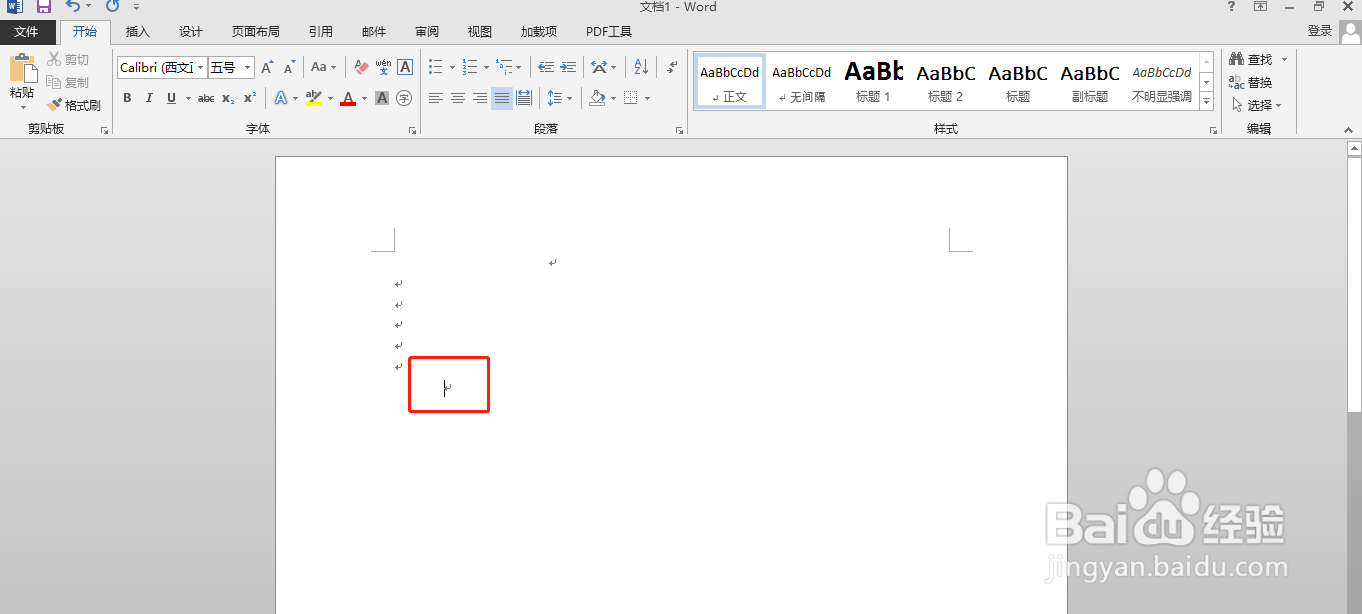
4、输入文字(设置好字体所需大小):海豚,如图
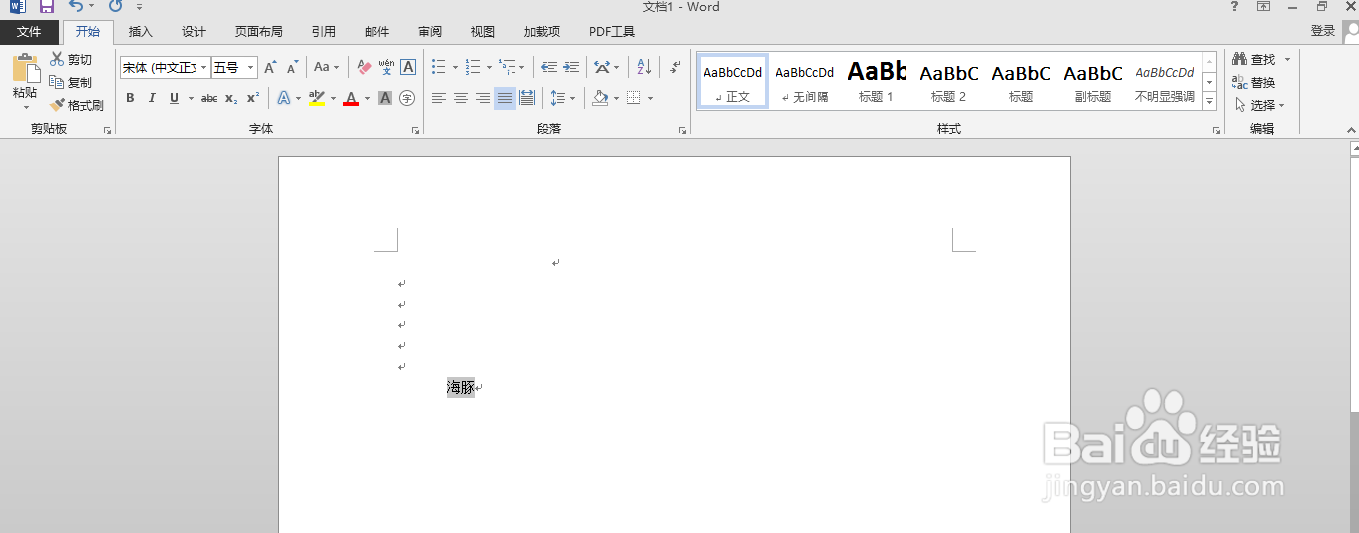
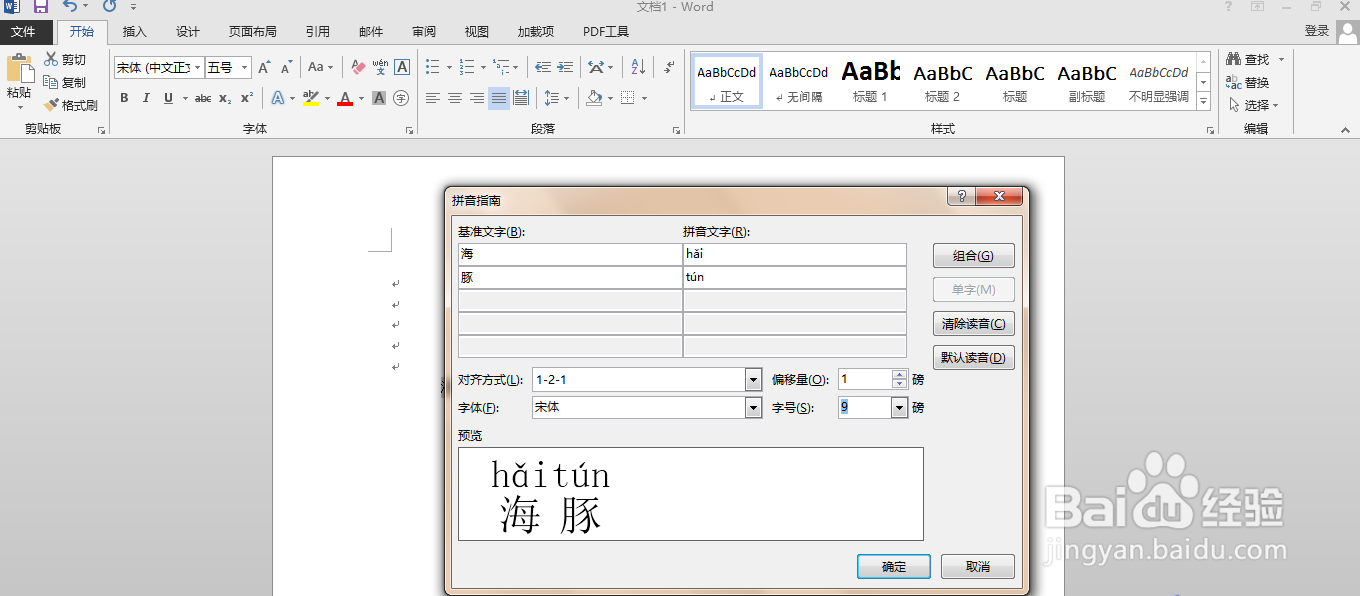
5、然后选中“海豚”点击拼音指南工具 如图
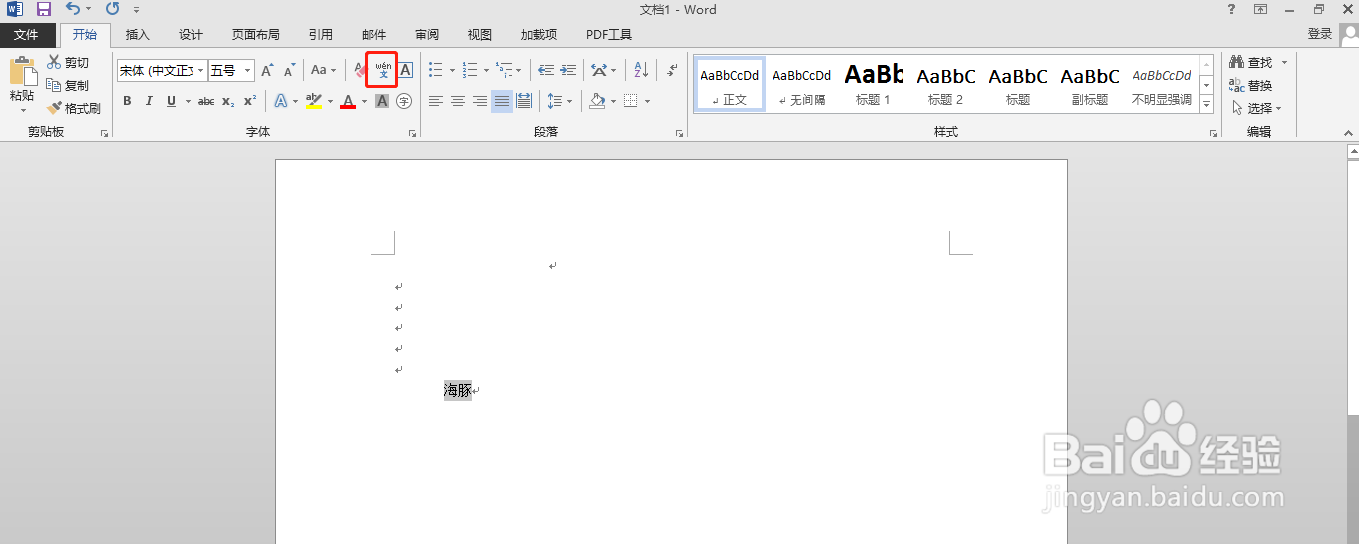
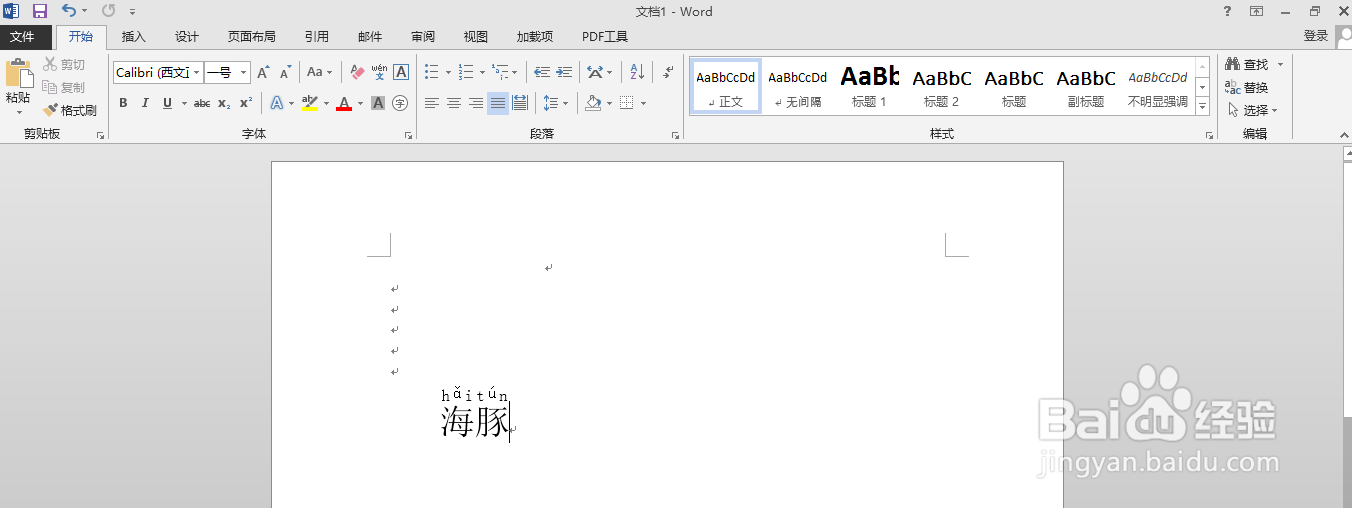
6、然后打开拼音指南工具,设置完后点确定就完成了 ;海豚”“hǎi tún” 如图
1、首先打开电脑,找到Word软件 如图
2、点击word软件,打开Word文档 如图
3、把光标调整所需位置 如图
4、输入文字(设置好字体所需大小):海豚,如图
5、然后选中“海豚”点击拼音指南工具 如图
6、然后打开拼音指南工具,设置完后点确定就完成了 ;海豚”“hǎi tún” 如图