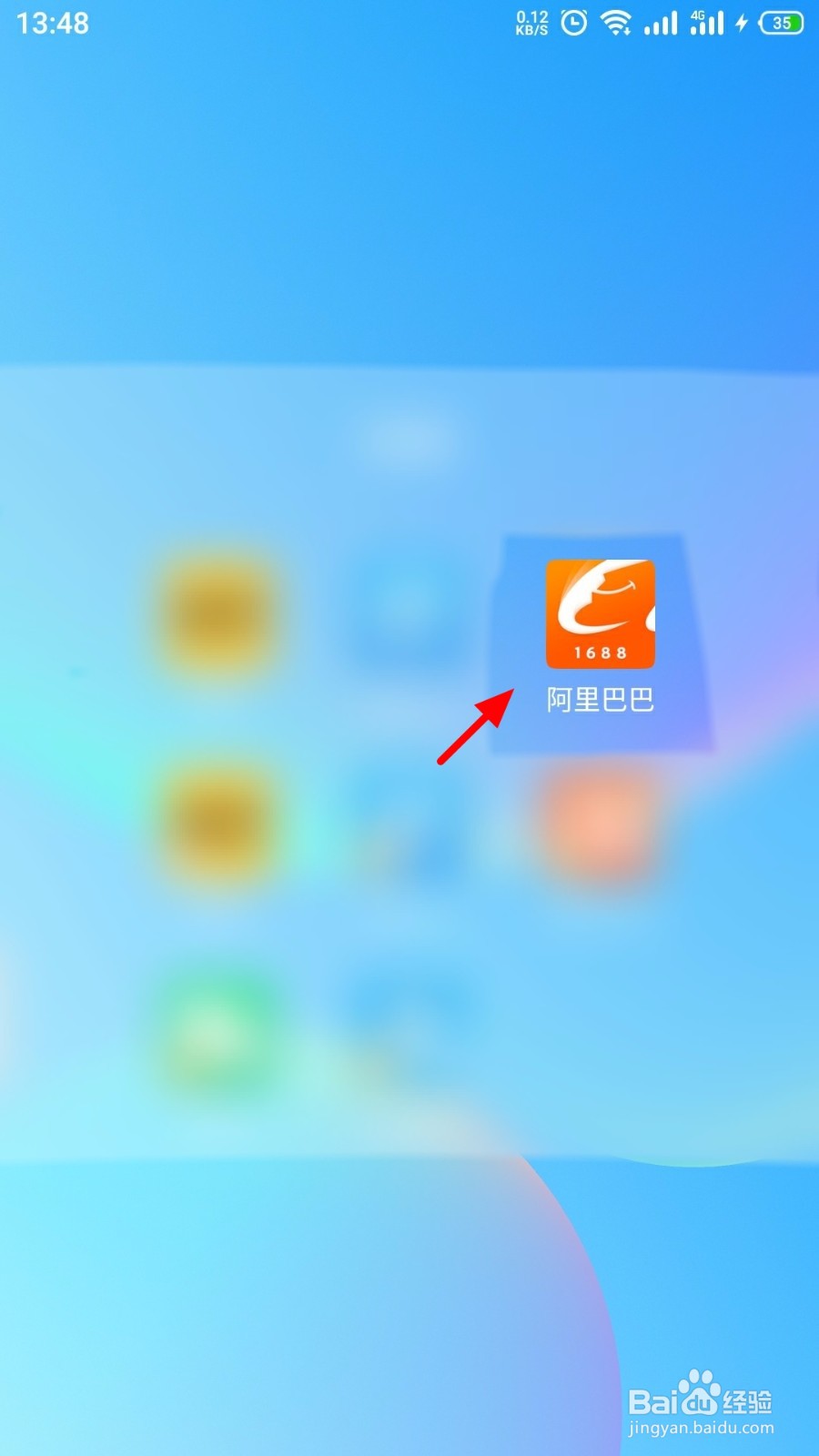
1、手机开机,在手机桌面打开 阿里巴巴;
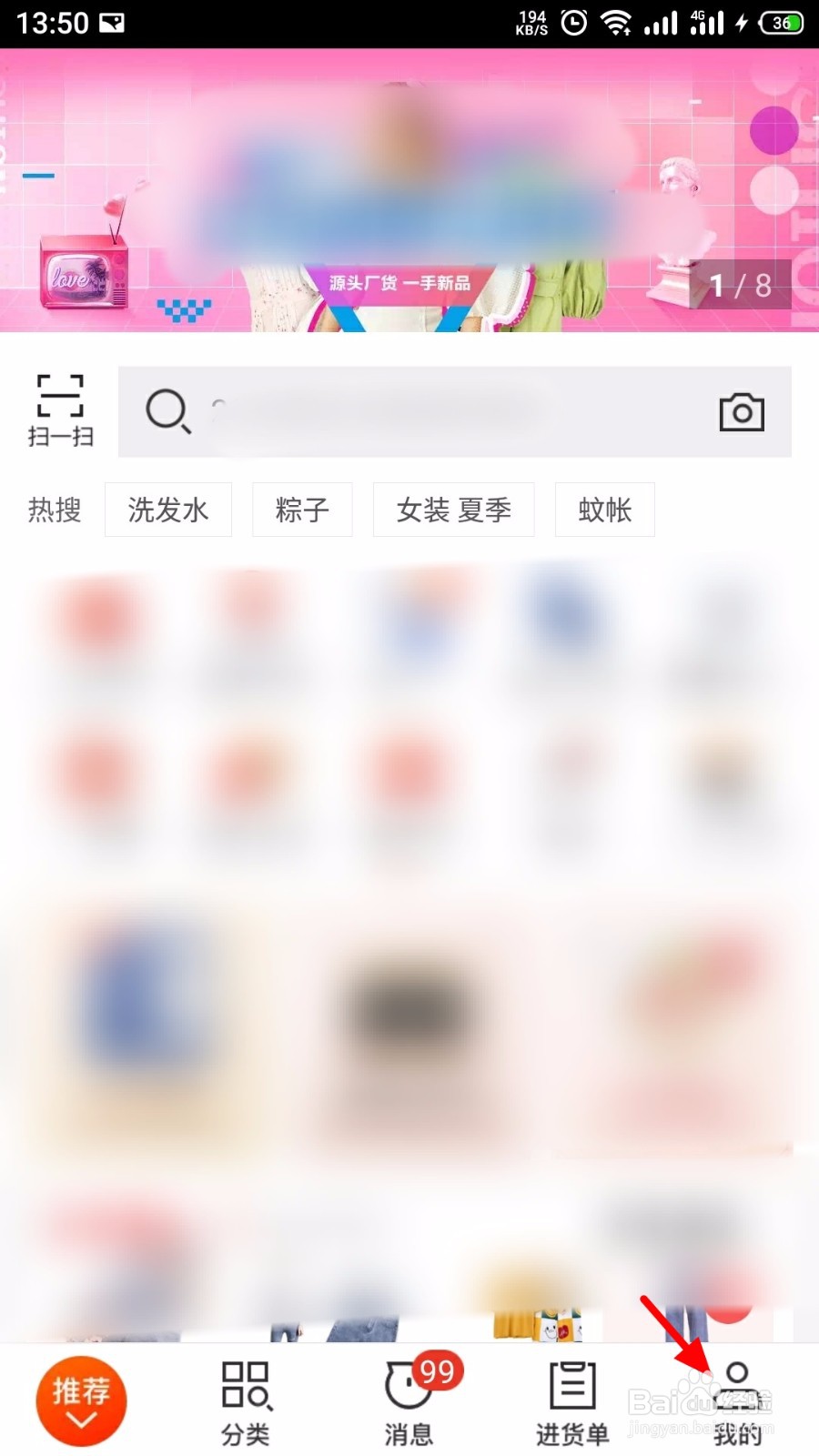
2、登录进入后,在阿里巴巴首页,点击 我的;
3、在我的页面,点击 设置;

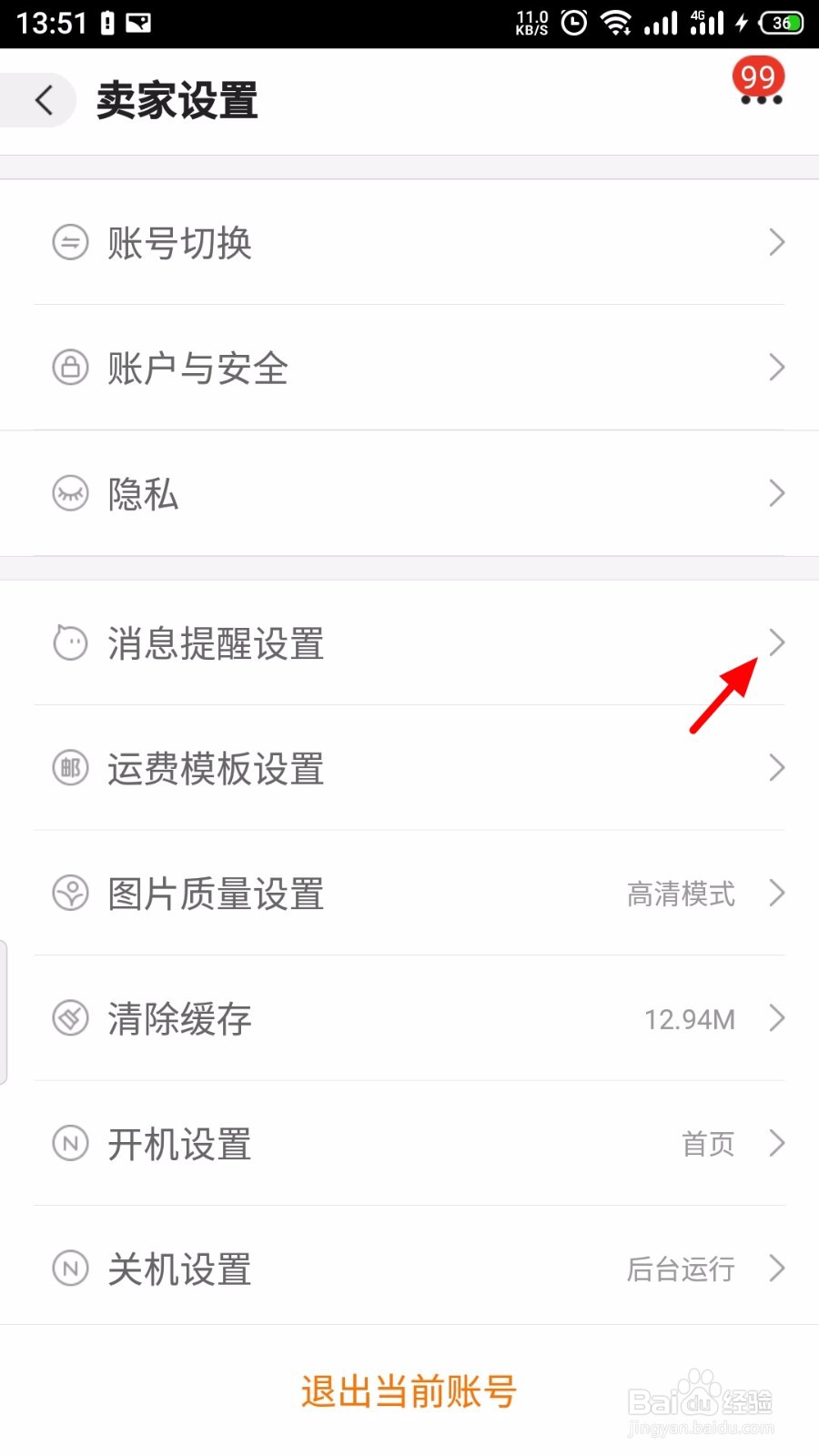
4、在设置页面,点击 消息提醒设置;
5、在消息提醒设置页面,开启 通知栏常驻;
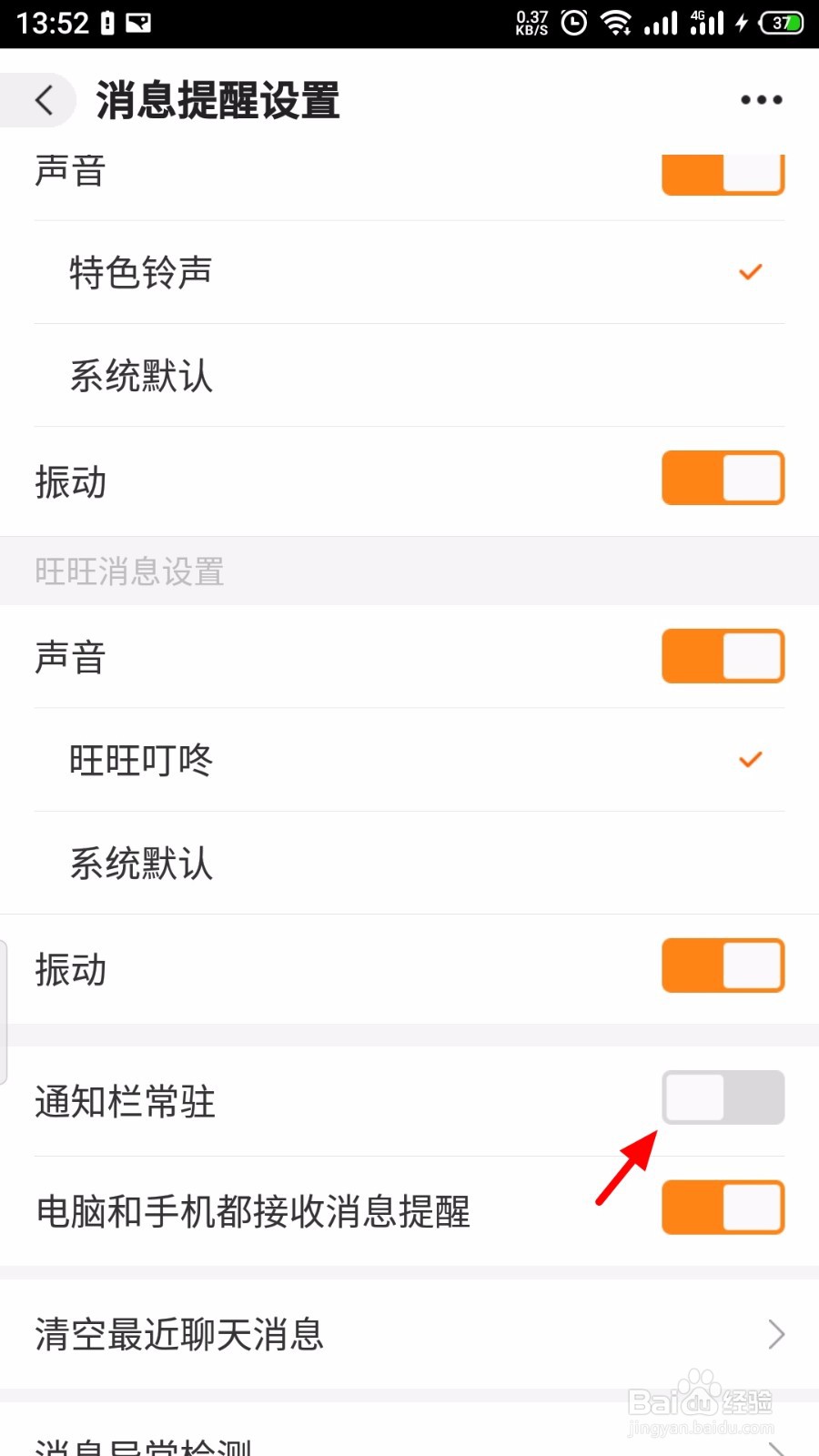
6、通知栏常驻开启成功。
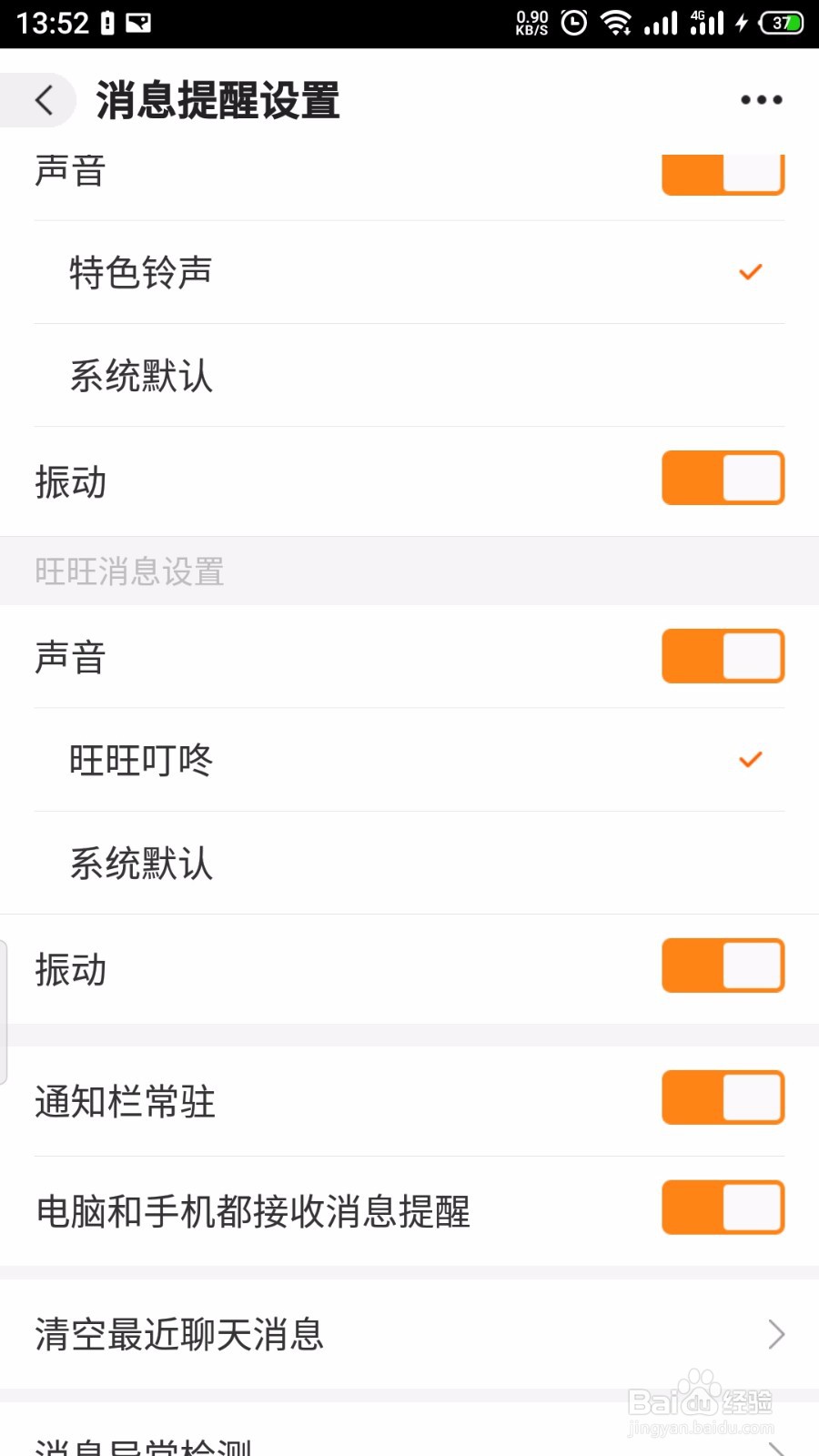
1、【1】打开 阿里巴巴,点击 我的>设置>消息提醒设置;
【2】开启 通知栏常驻,开启成功。
1、手机开机,在手机桌面打开 阿里巴巴;
2、登录进入后,在阿里巴巴首页,点击 我的;
3、在我的页面,点击 设置;
4、在设置页面,点击 消息提醒设置;
5、在消息提醒设置页面,开启 通知栏常驻;
6、通知栏常驻开启成功。
1、【1】打开 阿里巴巴,点击 我的>设置>消息提醒设置;
【2】开启 通知栏常驻,开启成功。