1、首先创建一个WPF应用程序。

2、在工具箱中找到RadioButton控件,点击RadioButton。

3、鼠标单击在空白界面设计的模板上不要松手,拖动鼠标可以控制RadioButton控件的大小。松开鼠标即可添加成功。
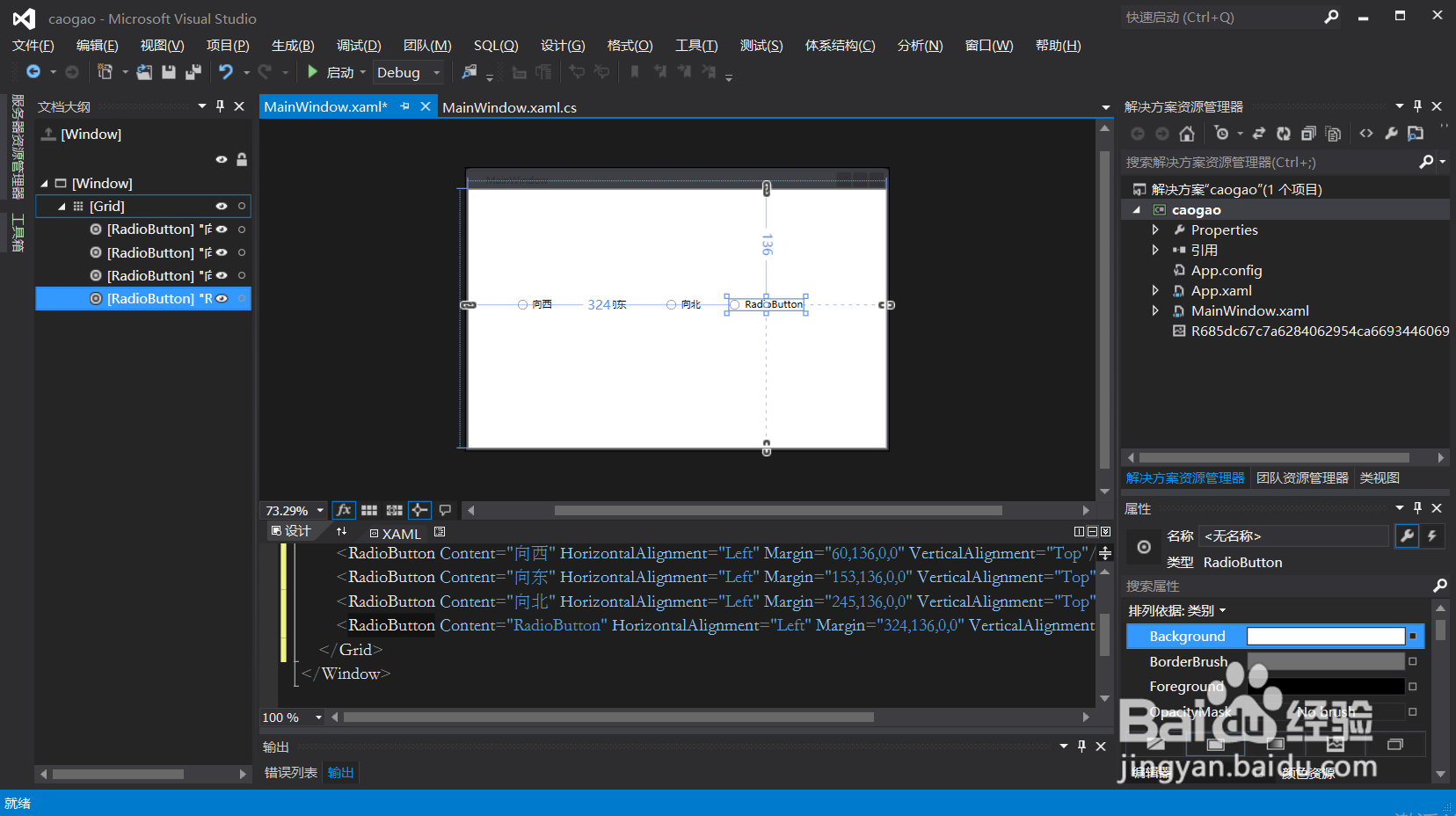
4、运行复选框效果如下
1、首先创建一个WPF应用程序。
2、在工具箱中找到RadioButton控件,点击RadioButton。
3、鼠标单击在空白界面设计的模板上不要松手,拖动鼠标可以控制RadioButton控件的大小。松开鼠标即可添加成功。
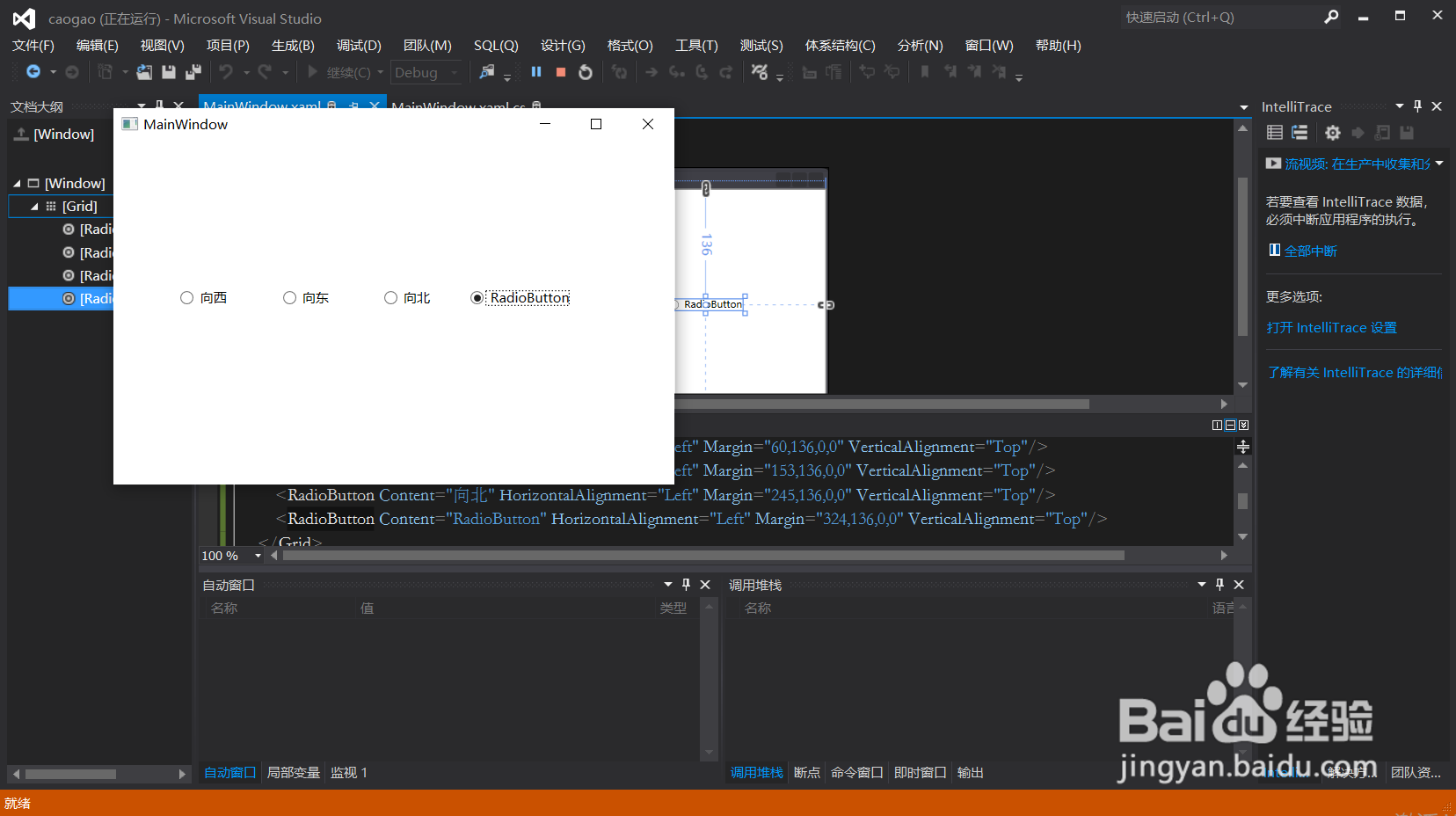
4、运行复选框效果如下