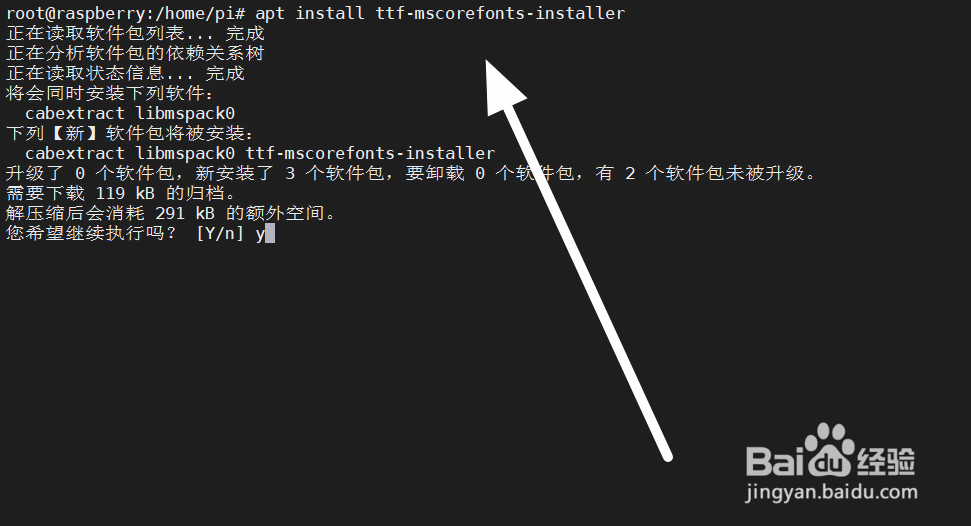
1、首先,我们需要连接树莓派,在树莓派安装字体的软件。
2、接下来,需要刷新缓存,生效配置。

3、我们可以通过下面的命令,查看安装情况。

4、同样,我们能在/usr/share/fonts/truetype/msttcorefonts/文件夹,找到字体。

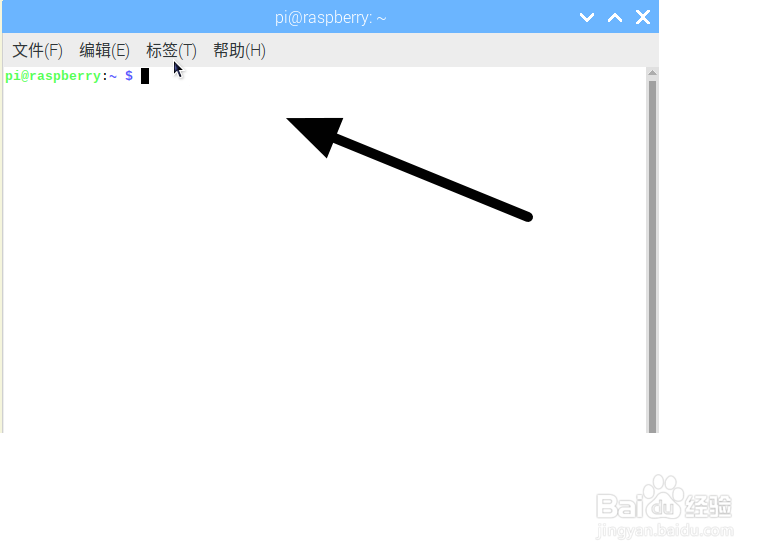
5、接下来,随便打开一个应用,这里通过首选项进行设置。
6、在字体栏目,我们可以使用新安装的Times New Roman字体。
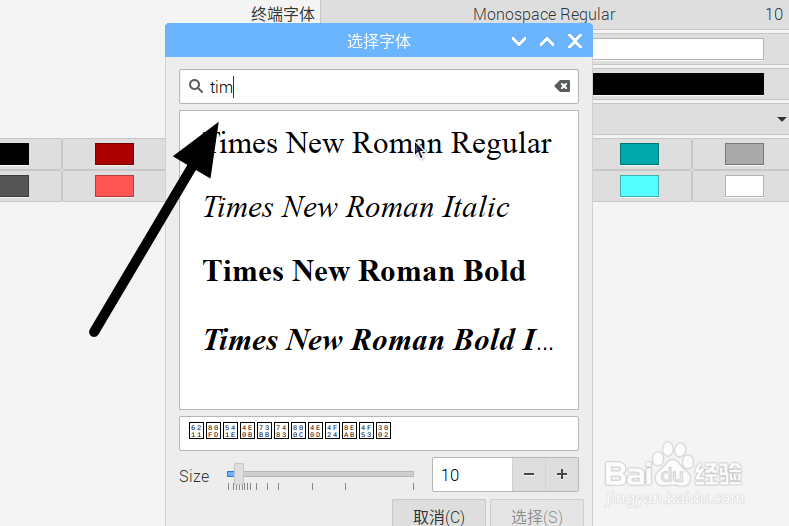
1、通过上面的步骤,我们能在树莓派安装Times New Roman字体,这种字体你一看肯定相当熟悉,没错,你的英语试卷也是Times New Roman字体。