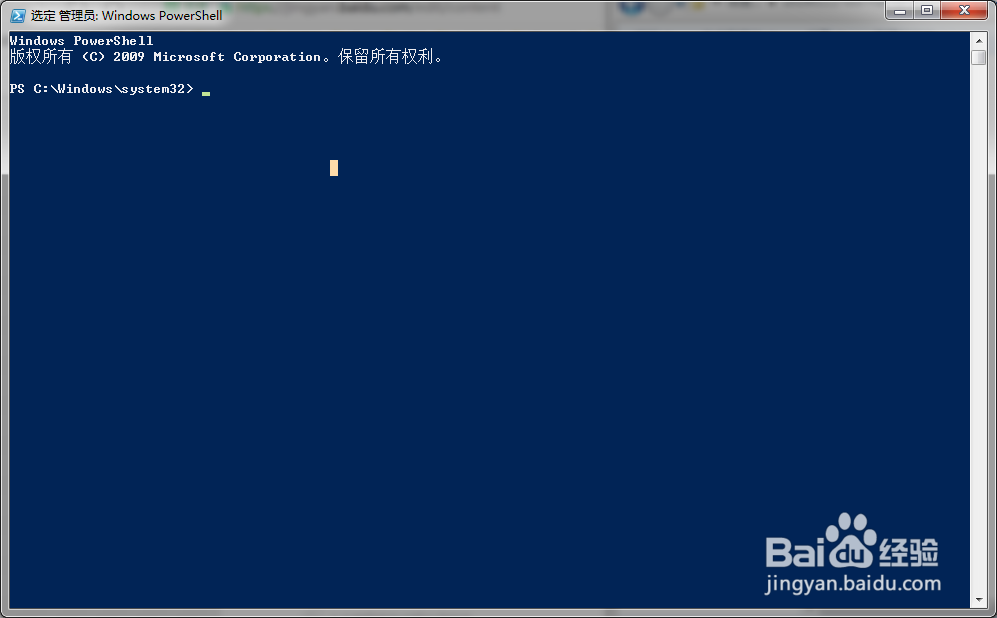
1、打开Powershell程序窗口;
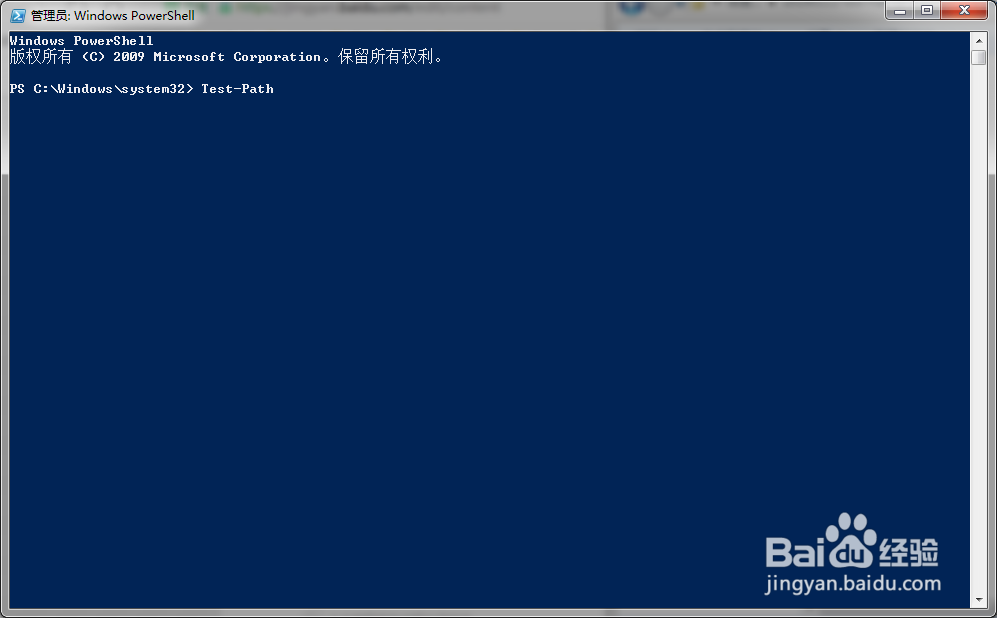
2、在程序窗口中输入 Test-Path ;
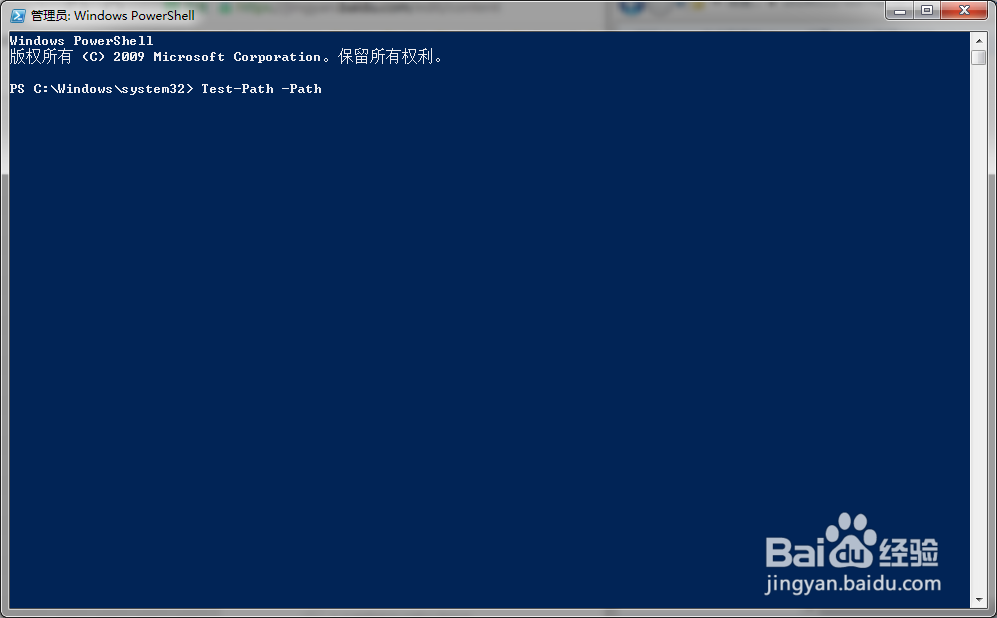
3、设定参数 -Path ;
4、指定要测试的路径;

5、点击回车,返回测试结果。

1、切换到指定的路径;
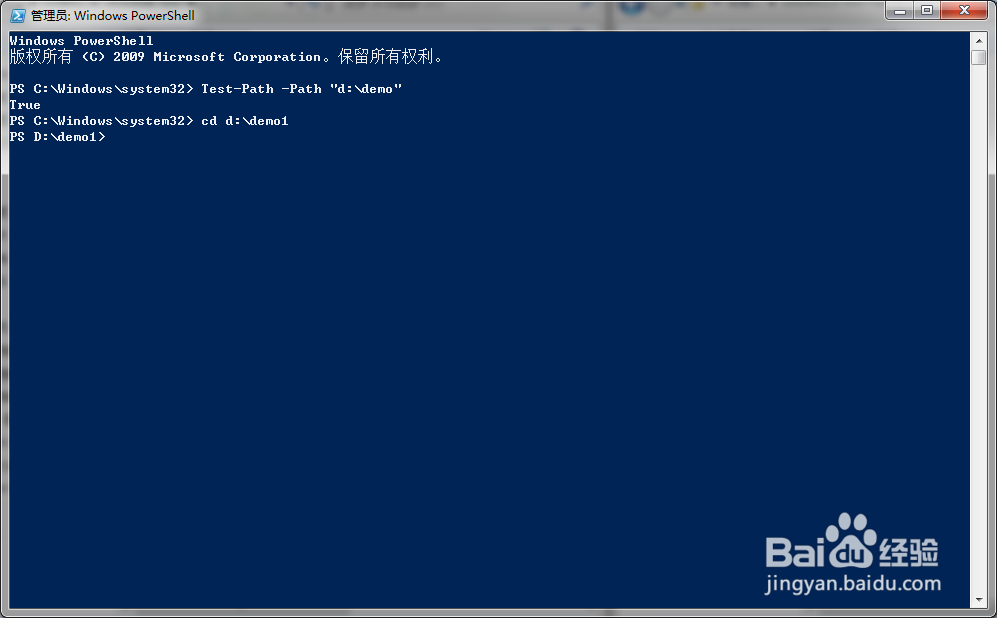
2、输入TEST-Path命令行;
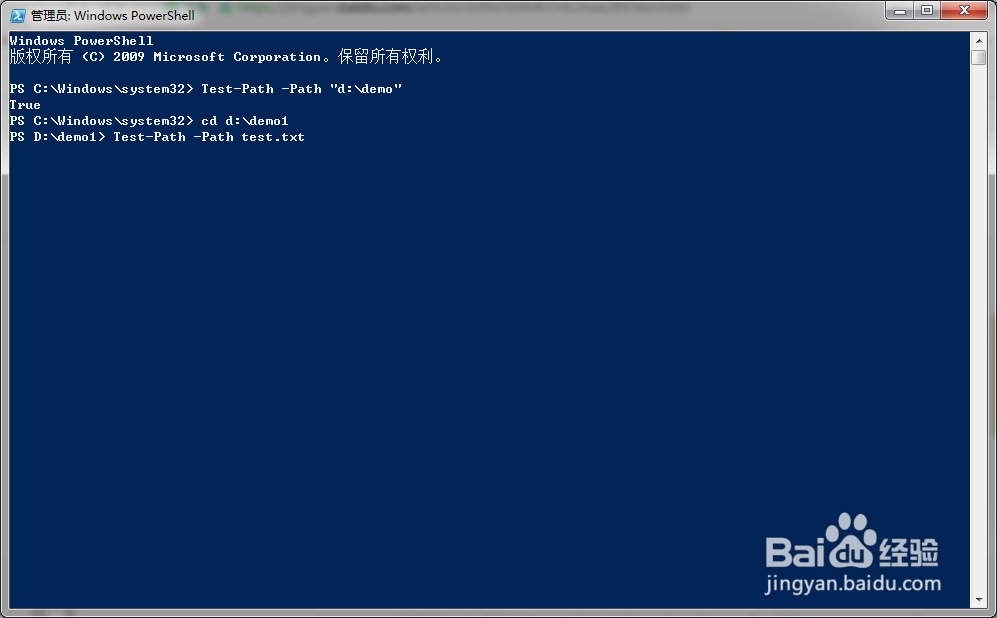
3、点击回车后,命令结果返回TRUE,说明指定的文件真实存在;
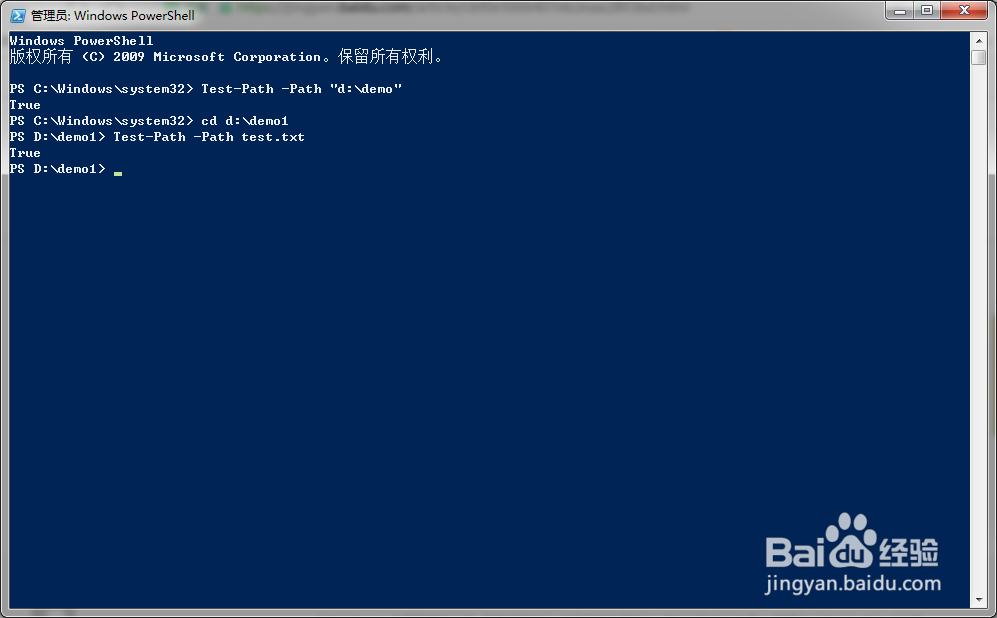
4、注意:不切换路径,直接输入文件存储的绝对路径,也可以进行测试。
1、打开Powershell程序窗口;
2、在程序窗口中输入 Test-Path ;
3、设定参数 -Path ;
4、指定要测试的路径;
5、点击回车,返回测试结果。
1、切换到指定的路径;
2、输入TEST-Path命令行;
3、点击回车后,命令结果返回TRUE,说明指定的文件真实存在;
4、注意:不切换路径,直接输入文件存储的绝对路径,也可以进行测试。