1、我们新建一个html网页文件,把他命名为test.html,接下来我们用test.html文件来讲解html如何设置select内容居中、下拉内容右对齐。

2、在test.html文件内,要使用select标签,并且写上option的内容,
<select name="">
<option>测试内容一</option>
<option>二测试内容二</option>
<option>测试内容三</option>
<option>test四</option>
</select>。

3、编写css样式<style type="text/css"></style>标签,select样式和select option样式将写在该标签内。

4、在css标签内,通过select标签的样式设置select内容居中、下拉内容右对齐。
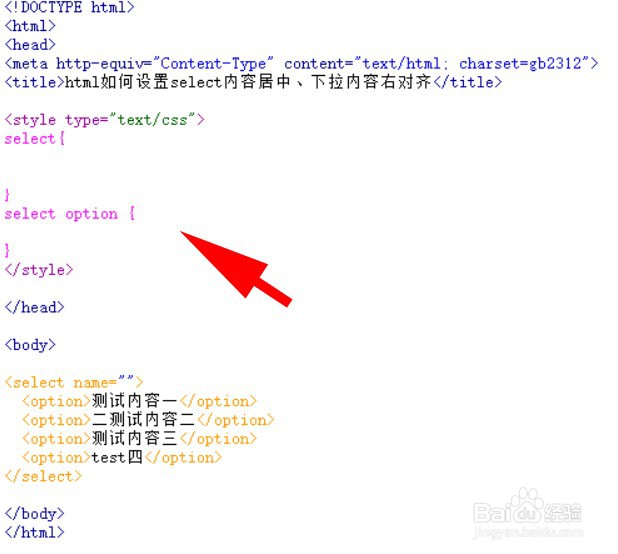
5、在css样式标签里,在括号内,select样式为
text-align: center;
text-align-last: center;
select option样式为
direction: rtl;

6、在浏览器浏览一下test.html,来看看效果能否实现。
