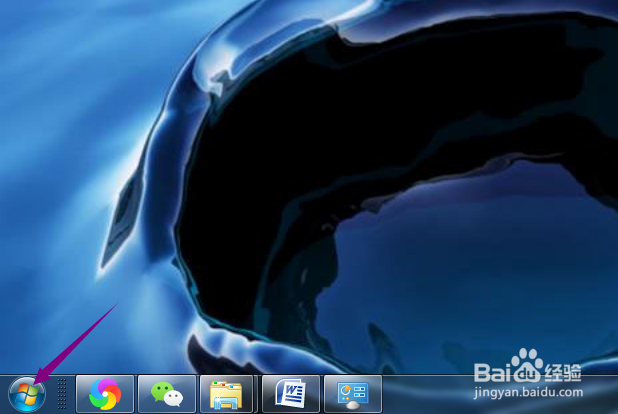
1、先打开电脑,点击开始。
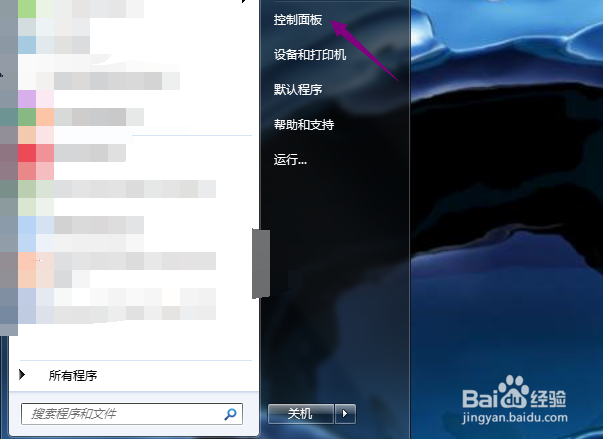
2、然后点击控制面板。
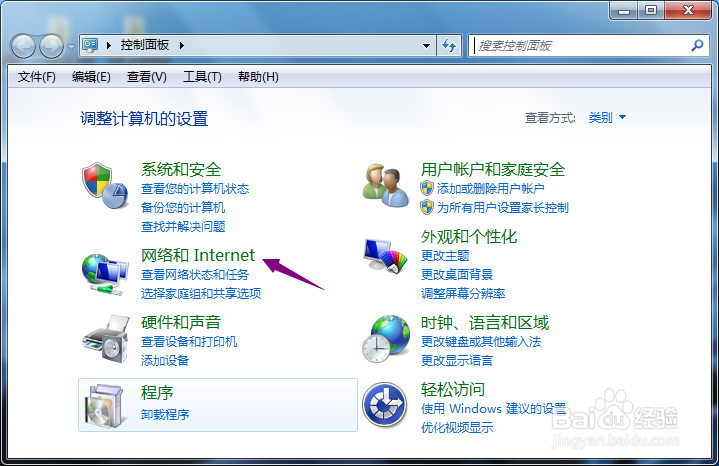
3、之后点击网络和Internet。
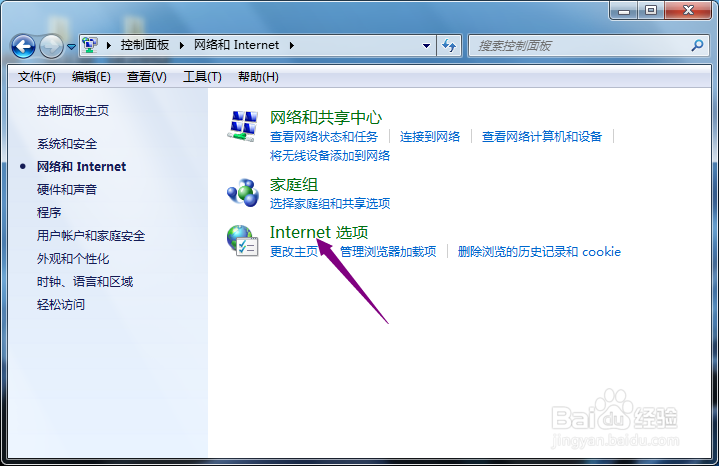
4、然后点击Internet选项。
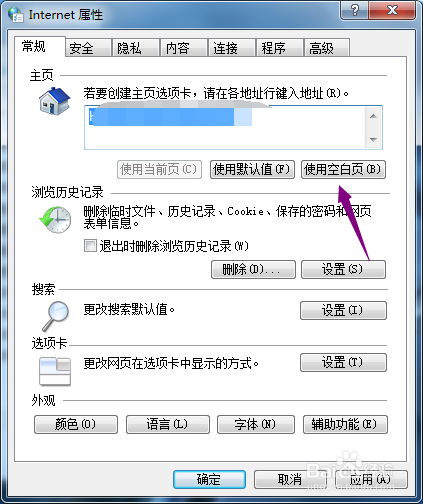
5、然后点击使用空白页。
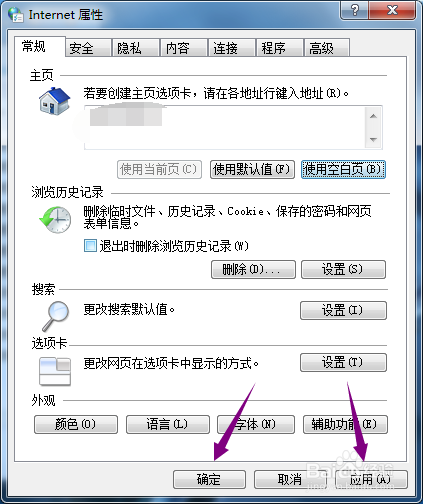
6、之后点击应用和确定即可。
7、总结:
1、点击开始。
2、点击控制面板。
3、点击网络和Internet。
4、点击Internet选项。
5、点击使用空白页。
6、点击应用和确定即可。
1、先打开电脑,点击开始。
2、然后点击控制面板。
3、之后点击网络和Internet。
4、然后点击Internet选项。
5、然后点击使用空白页。
6、之后点击应用和确定即可。
7、总结:
1、点击开始。
2、点击控制面板。
3、点击网络和Internet。
4、点击Internet选项。
5、点击使用空白页。
6、点击应用和确定即可。