shutdown在cmd命令中的用法

时间:2026-02-13 23:22:00

1、使用快捷键windows键+R键,打开运行;

shutdown在cmd命令中的用法

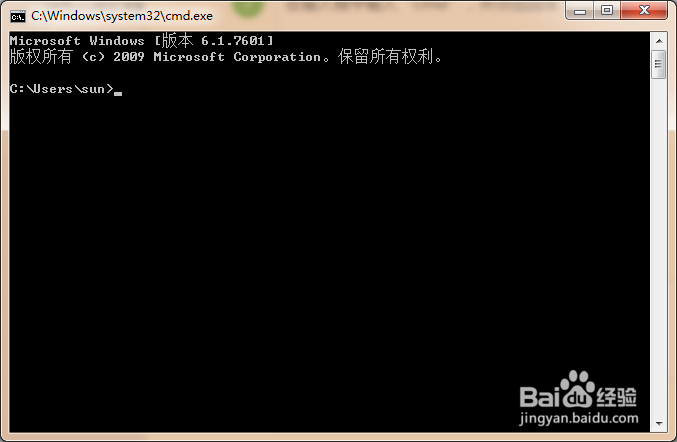
2、在输入框中输入“cmd”,并点击回车;

shutdown在cmd命令中的用法

3、系统命令提示符自动打开;

shutdown在cmd命令中的用法

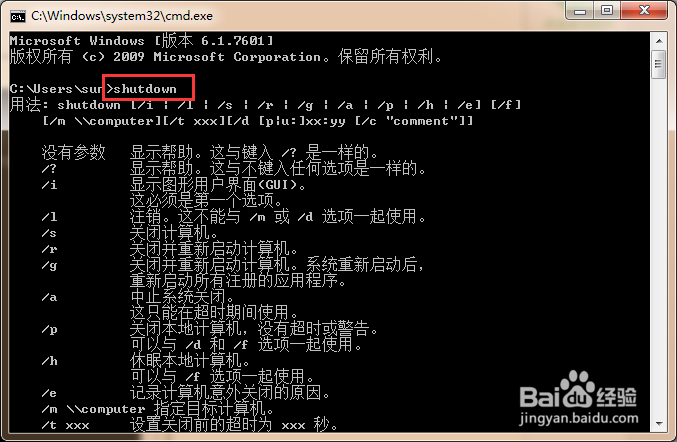
1、直接输入shutdown

显示使用该命令的使用方法;

shutdown在cmd命令中的用法

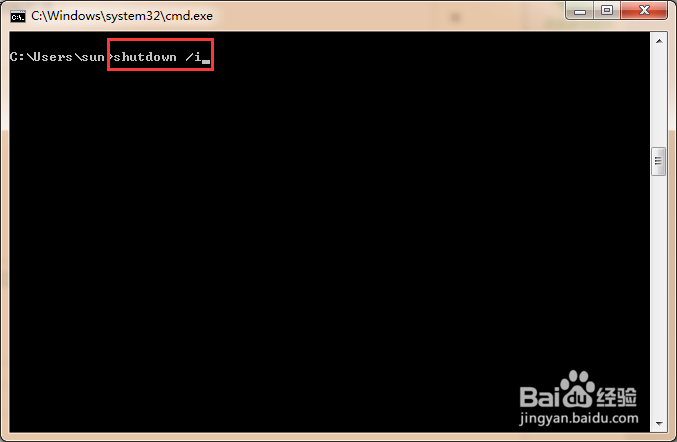
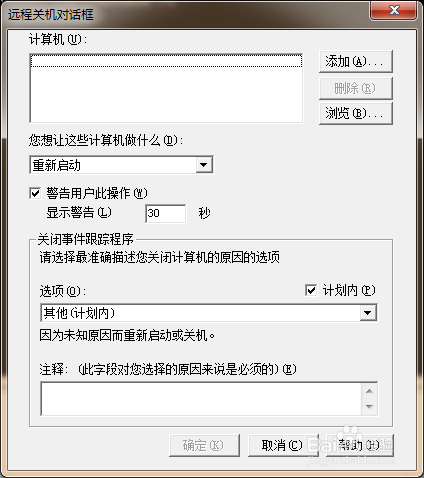
2、shutdown /i

显示图形化关机页面,服务器中常见该页面;

shutdown在cmd命令中的用法

shutdown在cmd命令中的用法

3、shutdown /s

立即关闭计算机;

shutdown在cmd命令中的用法

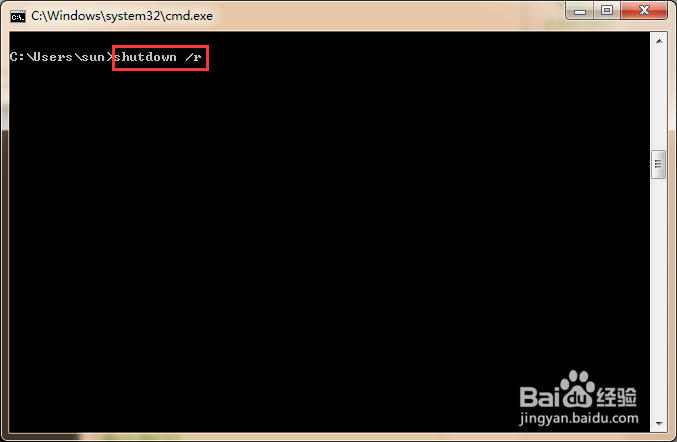
4、shutdown /r

立即重启计算机;

shutdown在cmd命令中的用法

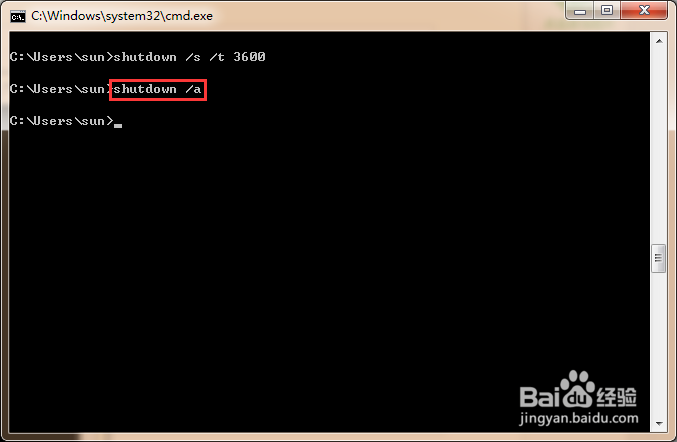
5、shutdown /a

中止系统关机指令;

如果定义了系统关机,该指令才有效,否则系统提示没有关机指令;

shutdown在cmd命令中的用法

6、shutdown /s /t  时间

定时关机,例如shutdown /s /t 3600,表示一小时后关机;

shutdown在cmd命令中的用法

shutdown在cmd命令中的用法

1、在执行shutdown /s /t 3600后,在一个小时内执行shutdown /a,系统会取消关机指令。
shutdown在cmd命令中的用法

shutdown在cmd命令中的用法

© 2026 长短途
信息来自网络 所有数据仅供参考
有疑问请联系站长 site.kefu@gmail.com