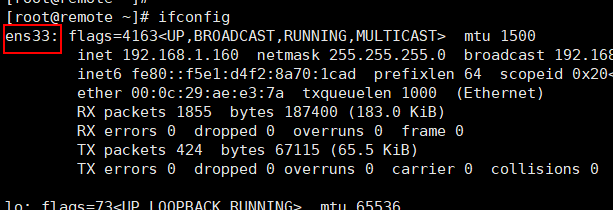
1、用ifconfig查看网卡名称为ens33,现在要将它修改成eth0
2、编辑配置文件/etc/sysconfig/network-scripts/ifcfg-eno16777736
将DEVICE=eno16777736修改成DEVICE=eth0
保存并退出

3、重命名该配置文件。
[root@remote network-scripts]# cd /etc/sysconfig/network-scripts/
[root@remote network-scripts]# mv ifcfg-eno16777736 ifcfg-eth0

4、编辑/etc/default/grub并加入“net.ifnames=0 biosdevname=0 ”
同样是保存并退出

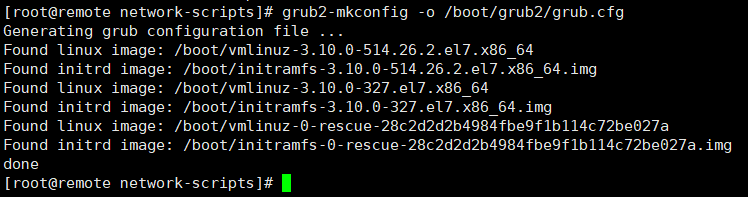
5、运行命令grub2-mkconfig -o /boot/grub2/grub.cfg 来重新生成GRUB配置并更新内核参数
6、使用reboot命令重启操作系统

7、重启完成之后进入系统使用ifconfig命令查看网卡名称已经修改成eth0了
