1、打开PowerPoint软件。

2、打开做好的SmartArt流程图。

3、鼠标点中流程图。

4、按住键盘上的Ctrl键点击需要更换的形状。
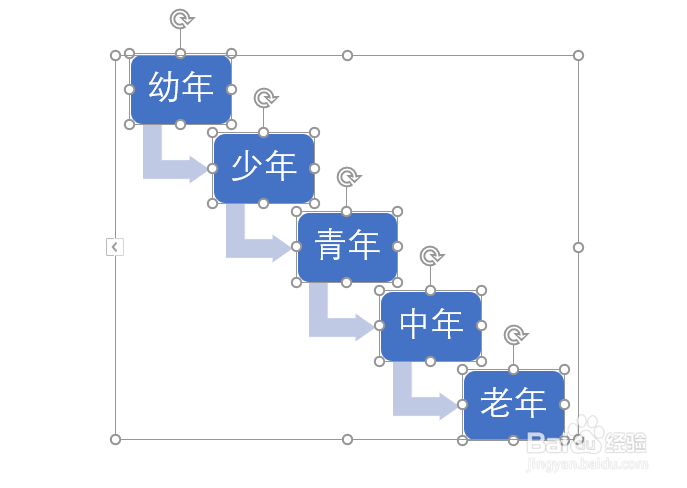
5、松开Ctrl键点击鼠标右键。
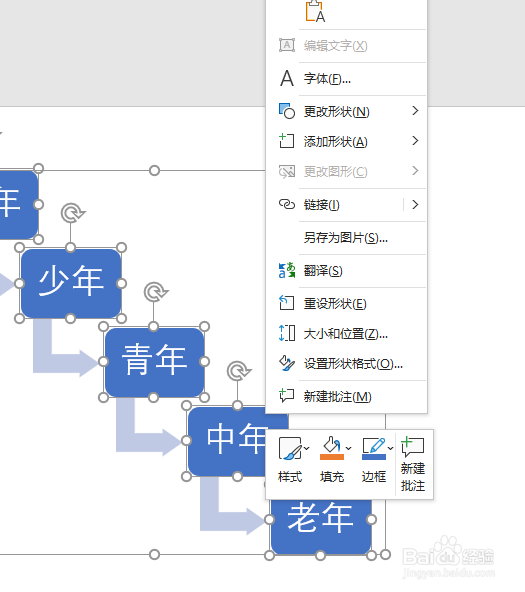
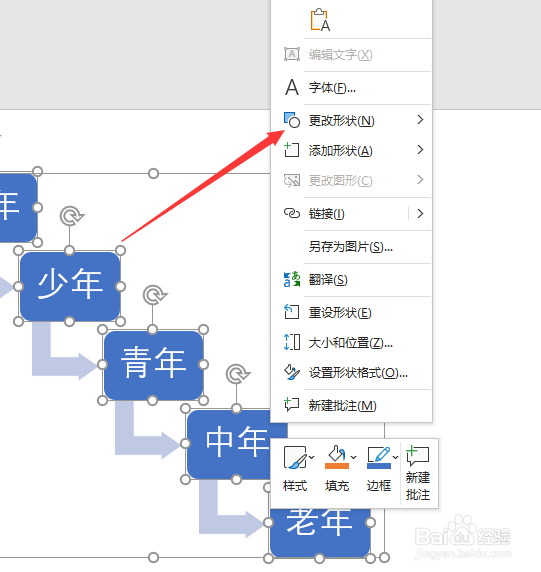
6、点击更改形状。
7、点击选择形状。
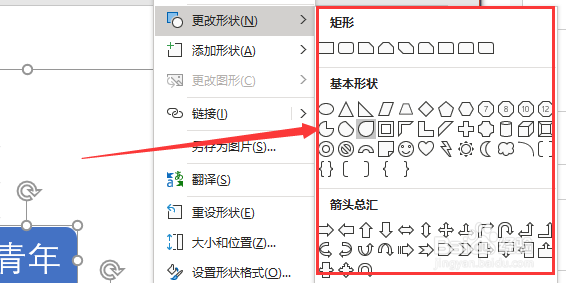
8、这样就将PowerPoint中SmartArt图形的形状更换好了。

1、打开PowerPoint软件。
2、打开做好的SmartArt流程图。
3、鼠标点中流程图。
4、按住键盘上的Ctrl键点击需要更换的形状。
5、松开Ctrl键点击鼠标右键。
6、点击更改形状。
7、点击选择形状。
8、这样就将PowerPoint中SmartArt图形的形状更换好了。