1、首先打开ae,新建一个项目。

2、导入两段素材,新建一个合成。

3、做好一段基础拉镜。

4、拖入一个变换到第二段素材上。
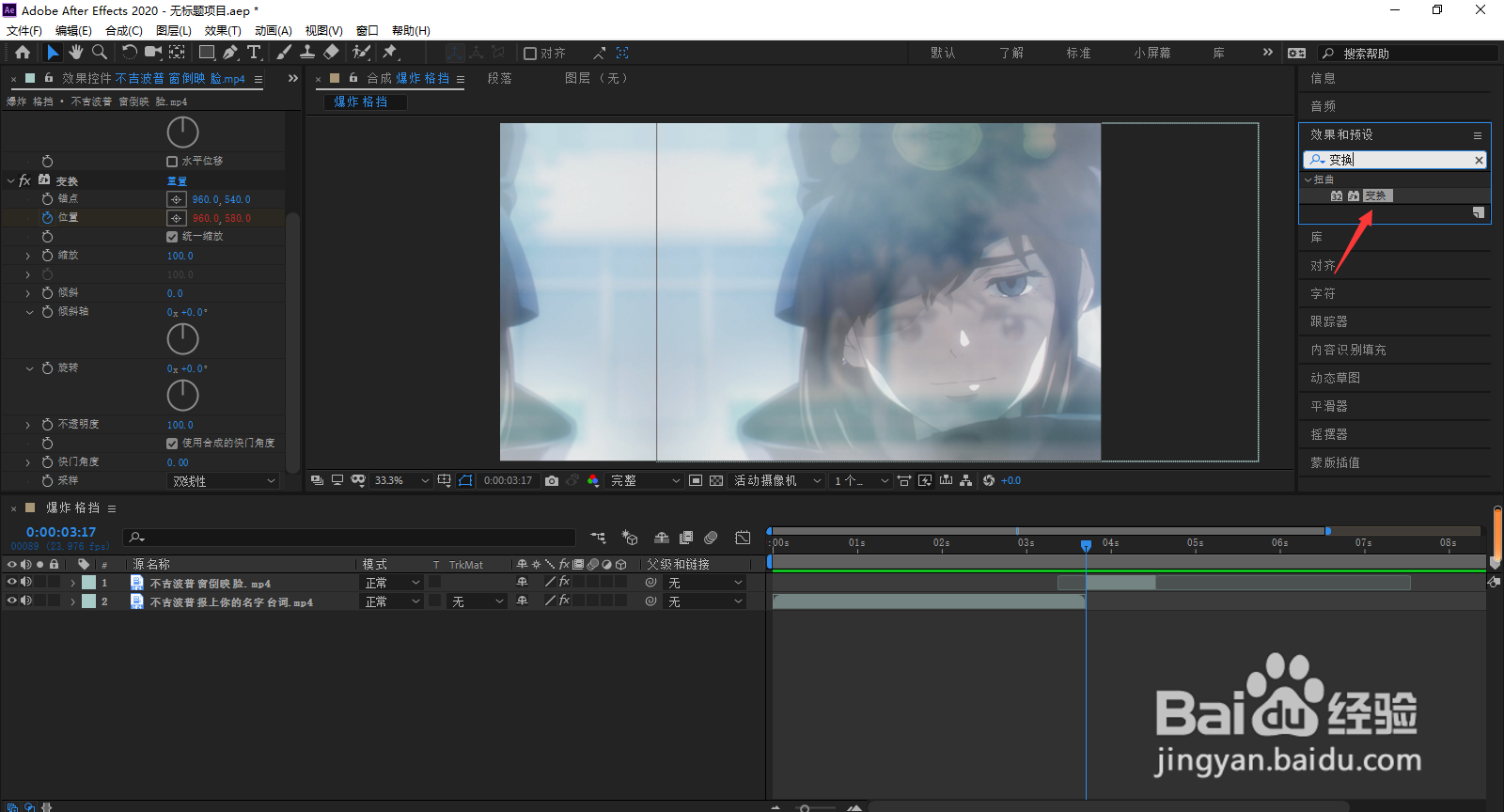
5、在接点处修改变换里参数为580,向后移动两帧(ctrl+→),修改位置为初始。

6、按alt并点击位置后的小圆点,打开表达式,输入
freq = 3;
decay = 5;
n = 0;
if (numKeys > 0){
n = nearestKey(time).index;
if (key(n).time > time) n--;
}
if (n > 0){
t = time - key(n).time;
amp = velocityAtTime(key(n).time - .001);
w = freq*Math.PI*2;
value + amp*(Math.sin(t*w)/Math.exp(decay*t)/w);
}else
value

7、freq为频率,decay为,衰减值,如有需要,只需修改这两个。完成晃动
